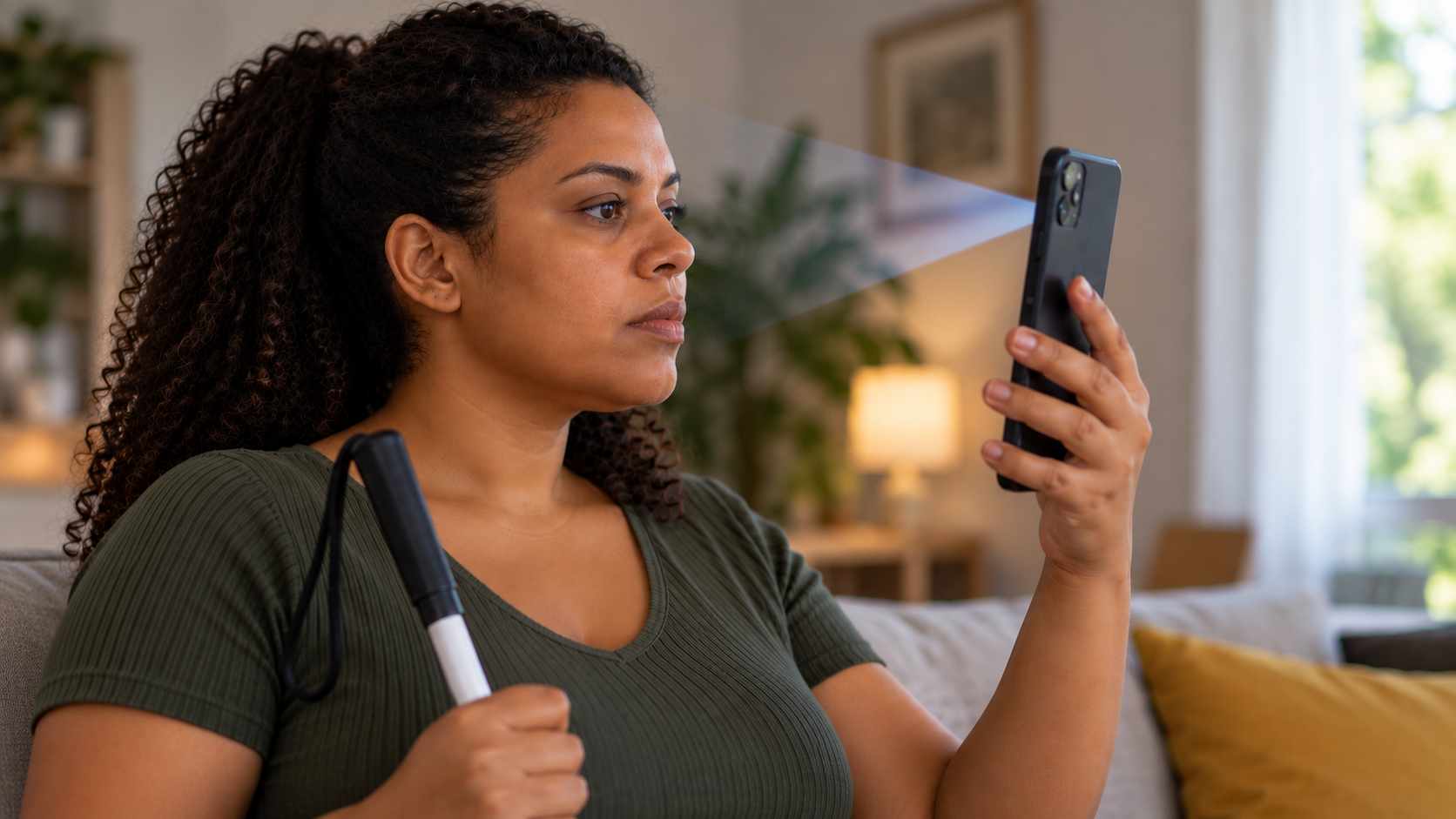
Most facial biometrics solutions in the Brazilian market still fail users with disabilities. The evidence appears in complaints: recent reports on Reclame Aqui containing the terms “facial recognition” and “accessibility” describe interrupted journeys, locked accounts, and registrations that were never completed. Not because of fraud, but because of design.
This post uses data from Fortface’s own qualitative research with users with disabilities, population data from IBGE (Brazilian Institute of Geography and Statistics), and Fortface production data to describe the scale of the problem and what an accessible biometric solution delivers in practice.
How many people are affected by the problem?
In 2019, IBGE estimated that 17.3 million Brazilians reported having at least one disability—8.45% of the population. That number alone should be enough for every digital product to treat accessibility as an operational requirement, not a differentiator.
However, the population affected by poorly designed facial biometrics is much larger. IBGE (2019) reports that 33 million Brazilians have difficulty seeing. This group includes people who rely on glasses or contact lenses and need to remove them for image capture. Another 10.7 million report difficulty lifting an object to eye level, which is exactly the movement required to position a phone during authentication. And 7.5 million report difficulty picking up small objects or opening containers, a limitation that can make it difficult to hold a device steady while waiting for instructions from an interface.
Brazil also has 32 million people aged 60 or older (IBGE, 2022 Census), 62.1% of whom already use the internet—approximately 19 million people accessing digital services who are often unfamiliar with interfaces that require them to read instructions quickly and perform gestures in front of a phone’s front-facing camera.
These groups overlap. What does not overlap is the specific operational consequence each person faces when a system was not designed to include them.
What do complaints reveal about accessibility in facial biometrics?
Monitoring complaints on Reclame Aqui containing the terms “facial recognition” and “accessibility” reveals six recurring patterns: endless validation loops, in which the app redirects the user to another biometric check without completing the flow; false non-matches between the selfie and identity document; incorrect device detection; low-quality capture; complete account lockout without an alternative recovery channel; and inaccessibility explicitly identified as the cause.
The best-documented report of inaccessibility involves opening a digital account through a system that required facial movements incompatible with the user’s condition. The system repeatedly rejected the attempts. The registration was never completed. The complaint describes the situation precisely: the problem was not technical in the usual sense—the system worked exactly as programmed. What was wrong was the assumption the design made about who would be able to use it.
In Fortface’s monitoring of LinkedIn posts about experiences with digital technology, users with disabilities repeatedly describe feeling “forgotten and ignored as users” during development and testing. Facial biometrics is no exception to this pattern. It is one of its most visible examples because it sits on the critical path to essential services: bank accounts, benefits, credit, and payments.
How can liveness challenges create accessibility barriers?
Most solutions that generate accessibility complaints use active-challenge liveness (challenge-response biometric liveness detection): the system issues an instruction—blink, smile, turn your head, move the phone closer—and assesses whether the response is consistent with the behavior of a real person.
Each instruction assumes capabilities that not every user has: reading the on-screen instruction, understanding the expected gesture, and performing it while keeping the device correctly positioned and steady. For a user with a visual disability who relies on a screen reader, the gesture instruction may not be clearly conveyed through audio. For a user with limited arm mobility, keeping the device steady while performing the gesture is a physical barrier, not a usability issue.
In qualitative research conducted by Fortface with focus groups of older users and users with motor difficulties (2025), participants described trying to keep the device steady during a facial challenge in direct terms: “We can’t keep our arm still.” This is not a subjective perception of difficulty. It describes a real physical limitation that the capture mechanism ignored.
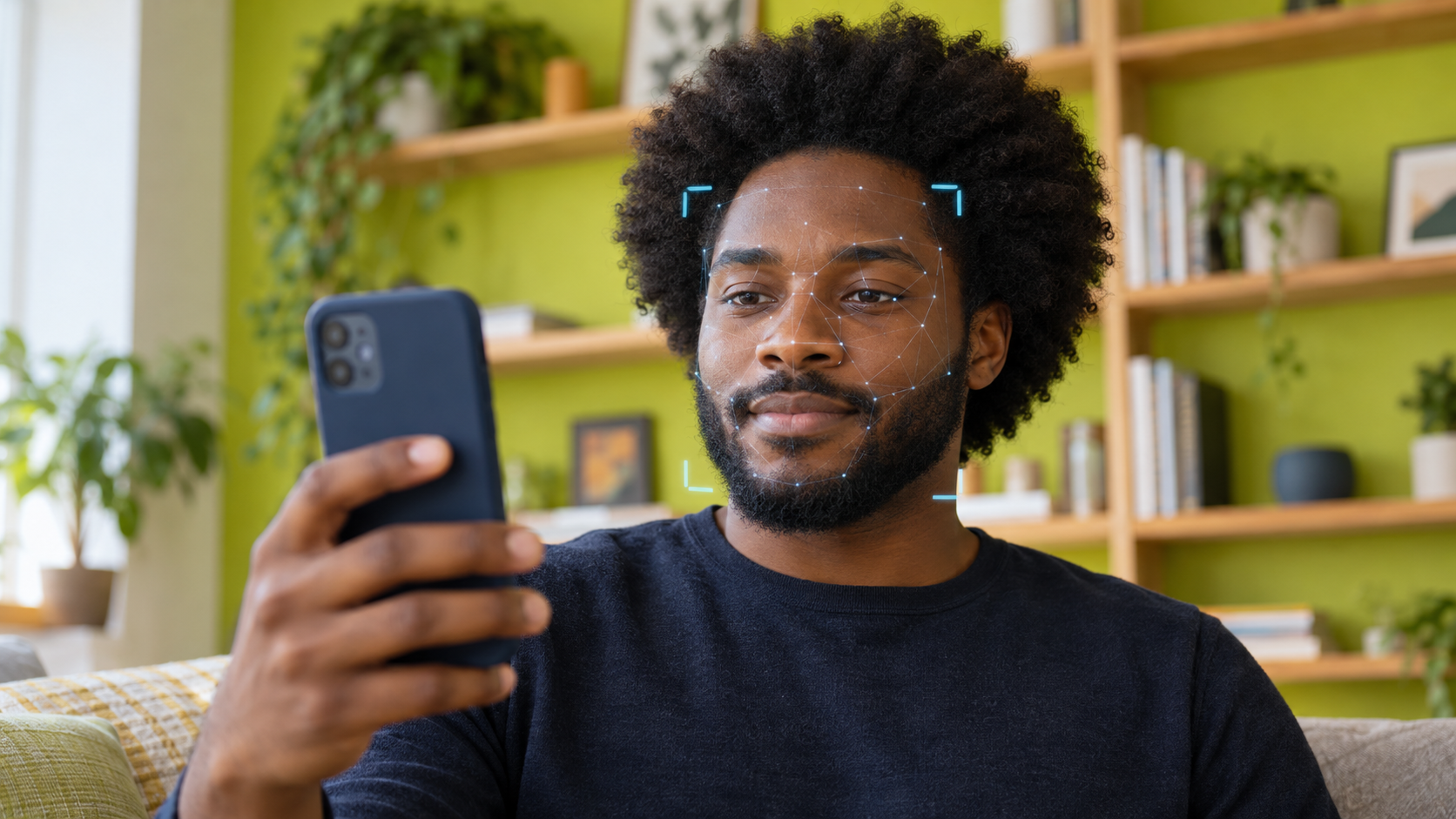
Lower-friction liveness, such as Fortface’s, analyzes frames without requiring challenges such as smiling or turning the head. The system analyzes skin texture, light reflections, and microvariations across the captured frames. Capture is automatic: the SDK (the vendor’s software development kit) detects framing, checks lighting conditions, and triggers capture. The user only needs to keep their face pointed toward the camera.
What does production data show when biometric accessibility is a priority?
In a cohort comparison conducted by Fortface between June and August 2026, 161,369 transactions across 28 clients were analyzed to measure the impact of accessibility features on lower-friction biometric capture. The features evaluated were compatibility with TalkBack (Android) and VoiceOver (iOS) screen readers, support for operating-system contrast and text-size settings, and positioning prompts adapted for users who cannot see the screen.
The results: a 96.4% liveness approval rate with accessibility enabled and a 98.4% transaction success rate. Compared with the group without accessibility features enabled, the difference in capture time was 519 ms at the median (p50) and 120 ms at the tail of the distribution (p90)—a statistically irrelevant difference for operational purposes.
The data describes an operation in which users with visual or motor disabilities completed the biometric process with results equivalent to those of users without functional limitations. The security barrier remained in place, the approval rate did not decline, and capture time did not increase significantly.
What do users say when facial biometrics works for them?
In qualitative research conducted by Fortface (focus groups, 2025), participants with visual disabilities and older adults with motor difficulties were interviewed at two points: first about their experience with digital technology in general and then about their experience with lower-friction biometric capture compatible with assistive technology.
In the first stage, accounts of digital technology included perceptions such as “violation of rights,” “nothing about us without us,” and “accessible to whom?” Facial biometrics was not the only topic mentioned, but it was most strongly associated with being concretely blocked from access because it serves as the entry point to essential services: bank accounts, benefits, credit, and onboarding.
In the second stage, after participants experienced lower-friction capture compatible with screen readers, their responses changed. One participant with a visual disability said: “The first positive point is that I was able to validate my identity on my own. Even though it took time and was difficult, I did it on my own. The second point is being able to navigate easily with the screen reader on every screen.” An older participant in the same focus group said: “Fast, accessible, and efficient.”
The most operationally relevant statement is the first: “I did it on my own.” In services that depend on facial biometrics for access to bank accounts, benefits, or credit, completing the journey without assistance from another person is what defines real operational inclusion. It is not a satisfaction metric; it is an access metric.
What should you ask a vendor about biometric accessibility?
Most biometric vendors present compliance with the Web Content Accessibility Guidelines (WCAG) as an indicator of accessibility. Compliance with interface guidelines is necessary, but it is not enough: the critical accessibility issue in facial biometrics is not the screen layout. It is the capture mechanism.
The following questions reveal whether a vendor provides native accessibility or merely formal compliance:
Was the SDK tested with real users with visual and motor disabilities, rather than only against a WCAG checklist? If so, what were the liveness approval and capture-time results with screen readers enabled?
Does liveness require the user to perform any gesture? Blinking, turning the head, moving the device closer, or smiling creates barriers for a significant portion of the Brazilian user base.
Does the vendor provide production data with accessibility enabled—including liveness approval, transaction success rate, and capture-time distribution with TalkBack and VoiceOver enabled?
Does the SDK respect operating-system accessibility settings—including font size, high contrast, and color inversion—without compromising the capture interface?
Have positioning prompts been adapted for screen readers? The instruction “center your face” communicates nothing to someone who cannot see the screen; “move the camera to the left” does.
A compliance statement without a test report involving real users does not document the technical scope of accessibility. The difference between the two lies in production data and in the experience of users who need to complete the journey without assistance.